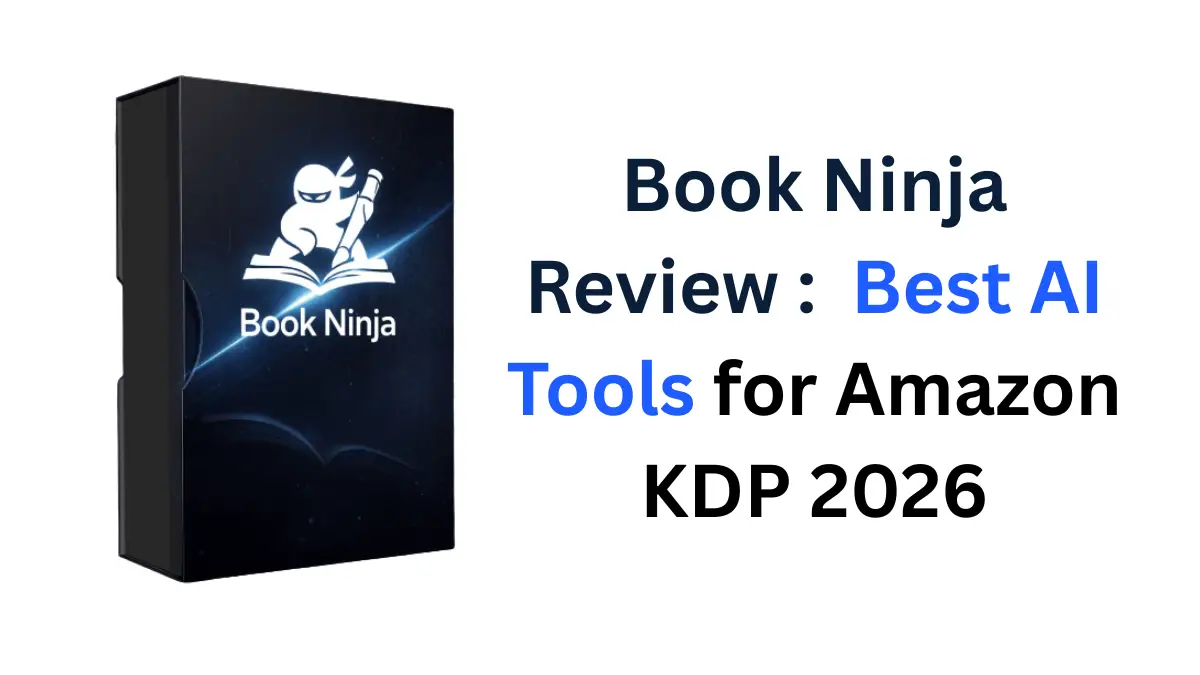
Best AI Tools for Amazon KDP 2026: Book Ninja Review
Discover Book Ninja, the AI-powered software that creates coloring books, puzzles, and non-fiction e-books in minutes. Read our honest review on features, pricing, and how to make passive income on Amazon KDP.
Disclaimer: This post may contain affiliate links. If you click and purchase through these links, we may earn a small commission at no extra cost to you. This helps us keep the site running and continue publishing helpful content.
Introduction: Why Everyone is Talking About Passive Income on Amazon
Imagine waking up to see that you’ve made money while you were sleeping. It sounds like a cliché internet dream, right? But for thousands of people publishing simple “low-content” books on Amazon, it’s a reality.
The problem is, the “old way” of doing this was hard. You had to research niches for hours, hire expensive freelancers to design covers, or struggle with complicated design software yourself. By the time you finished one book, the trend might have already passed.
Enter Book Ninja.
I recently stumbled upon this tool that promises to automate the entire process—from finding the hot trends to actually creating the book for you. It claims to replace the work of writers, designers, and market researchers with a few clicks. Naturally, I was skeptical. Could an AI really build a sellable book in under 10 minutes?
In this review, I’m going to break down exactly what Book Ninja is, how it works, and whether it’s actually worth your time and money.
What is Book Ninja?
Book Ninja is a cloud-based, AI-powered software suite designed to help users create digital products—specifically books—for Amazon KDP (Kindle Direct Publishing) and other marketplaces like Etsy or Gumroad.
Traditionally, if you wanted to sell a coloring book or a crossword puzzle book, you had to manually create every single page. Book Ninja integrates nine different AI tools under one hood to automate this. It doesn’t just write text; it generates images, puzzles, and layouts, and then formats them into a ready-to-upload file.
App Overview:
- App Name: Book Ninja
- Developers: Dave Espino & Shane Nathan
- Category: AI Content Creation / KDP Automation
- Platform: Web-Based (Works on Desktop, Tablet, Mobile)
- Main Function: Creates Mid-Content (Puzzles, Coloring) & Non-Fiction Books
- Best For: Beginners wanting to start an Amazon KDP business
How This App Works (Step-by-Step)
Using Book Ninja feels a bit like having a cheat code for publishing. Here is the workflow I observed while analyzing the tool:
Step 1: Trend Hunting
You don’t start by guessing. The software includes a “Trend Hunter” engine. It scans Amazon real-time data, Google Trends, and social media to tell you exactly what people are searching for right now. For example, it might tell you that “Space-Themed Word Searches for Kids” is trending.
Step 2: Content Generation
Once you pick a topic, the AI takes over.
- For Puzzle Books: It generates the word lists and builds the puzzle grids automatically.
- For Coloring Books: It uses image generation AI to create unique line art based on your theme.
- For Non-Fiction: It researches the topic and writes the chapters.
Step 3: Cover Design
People judge books by their covers. Book Ninja creates professional-looking covers relevant to your niche, so you don’t need to open Photoshop or Canva.
Step 4: Export & Upload
The software compiles everything into a formatted PDF or manuscript file that meets Amazon’s strict KDP requirements. You simply download it and upload it to your Amazon seller account.
Key Features
Here are the standout features that make Book Ninja unique:
- 9-in-1 AI Engine: Unlike generic AI writing tools like ChatGPT, Book Ninja is specifically tuned for book creation. It strings together multiple AIs to handle text, layout, and image generation simultaneously.
- Mid-Content Creator: This is a huge selling point. It can create “Mid-Content” books, which are highly profitable. These include:
- Coloring Books: Generates high-quality line art.
- Word Search & Crosswords: Automatically builds the logic and grids.
- Trend Hunter Technology: It doesn’t just make books; it validates ideas. It scores potential book topics so you avoid wasting time on niches that have no buyers.
- Multi-Platform Ready: While focused on Amazon KDP, the files it creates are yours. You can sell the PDFs on Etsy, Teachers Pay Teachers, or your own Shopify store.
- Mobile Compatible: Because it’s browser-based, you can literally create a book on your phone while waiting for a coffee.
- Built-in Formatting: Amazon KDP can be nightmare-ish if your margins or bleed settings are wrong. Book Ninja handles this technical boring stuff automatically.
UI/Design & User Experience
The interface is designed for what I call the “non-techie.” You aren’t bombarded with code or complex settings.
- Dashboard: Clean and straightforward. You usually see big buttons for “Create New Book” or “Research Trends.”
- Ease of Use: If you can fill out a form on a website, you can use this. You type a keyword, select a few options (like “Coloring Book” or “Non-Fiction”), and hit “Go.”
- Speed: The sales page demonstrates creating a book in under 10 minutes. In reality, you might want to spend 20-30 minutes to really polish it, but compared to the weeks it takes manually, the speed is blistering.
Performance & Speed
Since Book Ninja is cloud-based, it relies on their servers, not your computer’s power.
- Generation Time: Generating a full coloring book with 30-50 images might take a few minutes as the AI processes the requests, but it runs in the background.
- Reliability: The output is generally high quality, though like all AI image tools, you might occasionally get a weird image (like a person with six fingers) that you need to regenerate. The tool allows you to quickly swap out bad pages.
Real-Life Use Cases
How can you actually make money with this? Here are 5 strategies:
- The “Adult Relaxation” Niche: Use the tool to generate 50 intricate mandala or floral coloring pages. Bundle them into a paperback and sell it on Amazon as an “Adult Stress Relief Coloring Book.”
- Educational Materials: Create a “Sight Words Word Search” for 1st graders. Sell the physical book on Amazon and the digital PDF on Teachers Pay Teachers.
- Trend Jacking: If a specific dog breed becomes popular (e.g., French Bulldogs), quickly generate a “Frenchie Lovers Puzzle Book” to capture the search traffic.
- Etsy Digital Downloads: Don’t want to ship books? Generate the puzzles, save them as a PDF, and sell them on Etsy as an “Instant Download” for $3-$5.
- Lead Magnets: If you run an online business, use Book Ninja to create a quick non-fiction guide (e.g., “10 Tips for Better Sleep”) and give it away for free to build your email list.
Pros and Cons
| Pros | Cons |
| ✅ No Writing Needed: AI handles text and visuals. | ❌ AI Quirks: Images sometimes need regenerating |
| ✅ Trend Finder: Saves hours of market research. | ❌ Competition: Popular niches might get saturated quickly. |
| ✅ Fast: Creates a product in minutes, not months. | ❌ Internet Dependent: Must be online to use it. |
| ✅ No Design Skills: Covers and layouts are done for you. | |
| ✅ Mobile Friendly: Works on phones and tablets. |
Is It Safe? (Privacy & Permissions)
- Data Security: As a web-based tool, you don’t need to install anything on your hard drive, which eliminates the risk of viruses or malware.
- Amazon Safety: The output is formatted for KDP. However, always review your AI-generated content to ensure it doesn’t accidentally infringe on existing trademarks (e.g., don’t make a “Mickey Mouse” book unless you have a license).
Supported Devices
Book Ninja is completely browser-based. This means it works on:
- Windows PC & Laptops
- MacBooks & iMacs
- Chromebooks
- iPads & Android Tablets
- Smartphones (though a larger screen is recommended for editing book layouts).
Who Should Use This App?
- Side Hustlers: Anyone looking for an extra $500-$1000/month in passive income.
- Stay-at-Home Parents: Great for those with limited time who want to work from home.
- Teachers: Create educational workbooks to sell to other teachers or parents.
- Non-Writers: If you have great ideas but hate typing or drawing, this removes that barrier.
Who Should Avoid This App?
- The “Get Rich Quick” Dreamer: While the software speeds up creation, Amazon KDP still requires patience. You won’t become a millionaire overnight.
- Professional Novelists: If you are writing a complex fictional story with deep character arcs, human writing is still superior. Book Ninja is best for non-fiction, guides, and low-content books.
I’ve reviewed a lot of AI tools, and many of them are just “wrappers” for ChatGPT. Book Ninja feels different because it solves a specific workflow problem. It doesn’t just “generate text”; it builds a product.
The ability to find a trend, generate the content, creates the cover, and format the file all in one dashboard is a game-changer for productivity. The fact that it focuses on “Mid-Content” (coloring and puzzles) is smart, as these are some of the easiest books to sell on Amazon right now.
My Recommendation:
If you have been thinking about starting an Amazon KDP business but felt overwhelmed by the technical work or design aspect, Book Ninja is a no-brainer. The one-time pricing model makes it accessible, and the included training ensures you aren’t just given a tool without instructions.
Rating: 4.8/5 Stars ⭐⭐⭐⭐⭐
Ready to Start Your Publishing Empire?
FAQ Section
Q: Does Book Ninja work on Mac?
A: Yes, Book Ninja is cloud-based, so it works on Mac, Windows, and even tablets like iPads.
Q: Do I have to pay monthly fees?
A: No, the standard offer is a low one-time payment. However, optional upgrades may be available inside the funnel.
Q: Can I really sell these books on Amazon?
A: Absolutely. The software formats books specifically for Amazon KDP (Kindle Direct Publishing). You hold the commercial rights to the content created.
Q: Is there a money-back guarantee?
A: Yes, the vendor offers a 30-day money-back guarantee, allowing you to try the software risk-free.
Q: Do I need to be a writer?
A: Not at all. The AI handles the writing for non-fiction books and the design for coloring/puzzle books.
Q: What if the AI generates a bad image?
A: You can simply click to regenerate specific pages or images until you are happy with the result.
Q: Can I sell the books on Etsy?
A: Yes! You can download your creations as PDFs and sell them as digital downloads on Etsy, Gumroad, or your own website.